Install from VCC
Use the button above, then add TunaSync Unity MCP from Manage Project.
Connect Codex, Claude, Cursor or any MCP host directly to the Unity Editor—scene edits, C# evaluation, VRChat workflows and diagnostics through a loopback-only bridge.
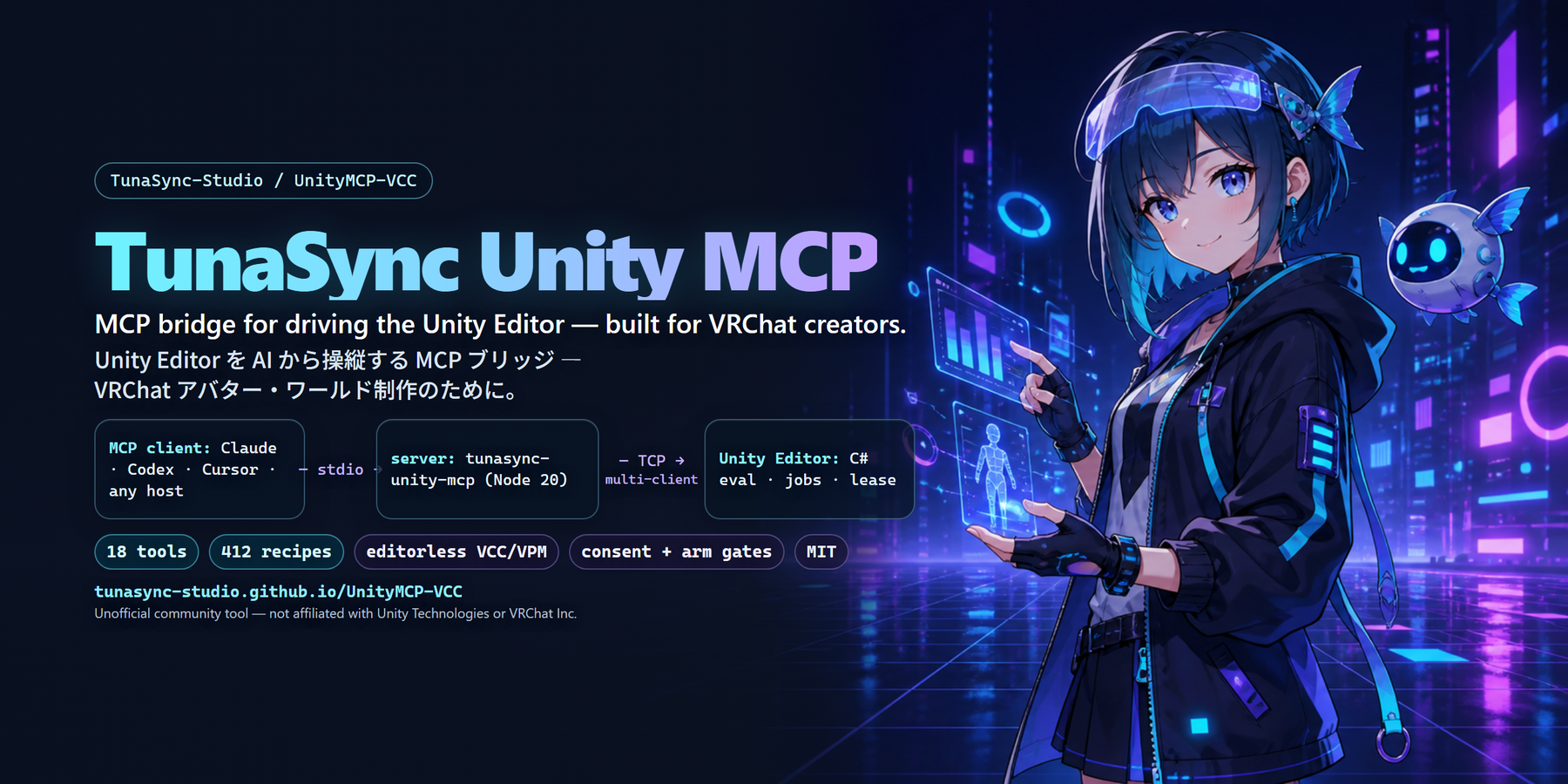
Install the Unity package, register one MCP client, then verify the exact server and plugin versions.
Use the button above, then add TunaSync Unity MCP from Manage Project.
Codex, Claude, Cursor and generic stdio configurations are ready below.
Open client setupunity_health_check
npx -y tunasync-unity-mcp doctor
The Creator Console also shows connected process versions, jobs and compile diagnostics.
Each tab contains the exact stdio registration for that host. Restart or reconnect the MCP session after updating.
Find a verified starting point by name, tag, category or description. Select a result to inspect its C# snippet.
Install through VCC, connect your preferred MCP client, and ask for a health check.